
How to Make Your Photos Look HD with AI Tools
Intro
Ever looked at an old or blurry photo and wished it could look sharp, clear, and HD?
With today’s AI-powered enhancement tools, you can instantly improve your image quality in just one click.
In this post, you’ll discover how to use the best free and paid AI photo enhancers to make your pictures look stunning and professional-even without editing skills.

What is AI Photo Enhancement
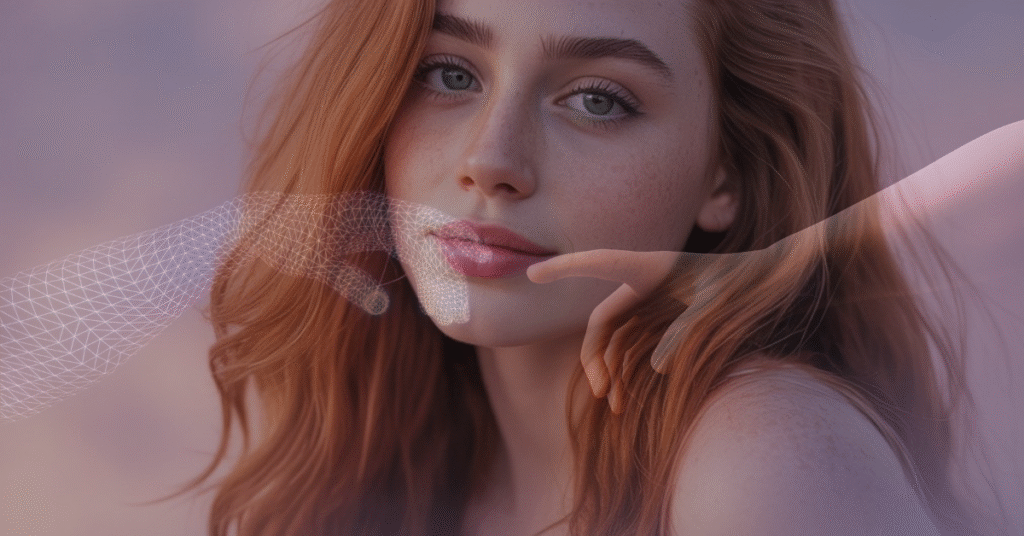
AI photo enhancement uses machine learning to automatically sharpen, color-correct, and upscale low-quality photos.
Best Free & Paid Tools
- Remini
- Adobe Firefly
- Fotor AI
- Pixlr Enhance
Step-by-Step: How to Enhance Your Photos Online
- Open your chosen tool
- Upload your image
- Choose “Enhance” or “HD” option
- Download and save
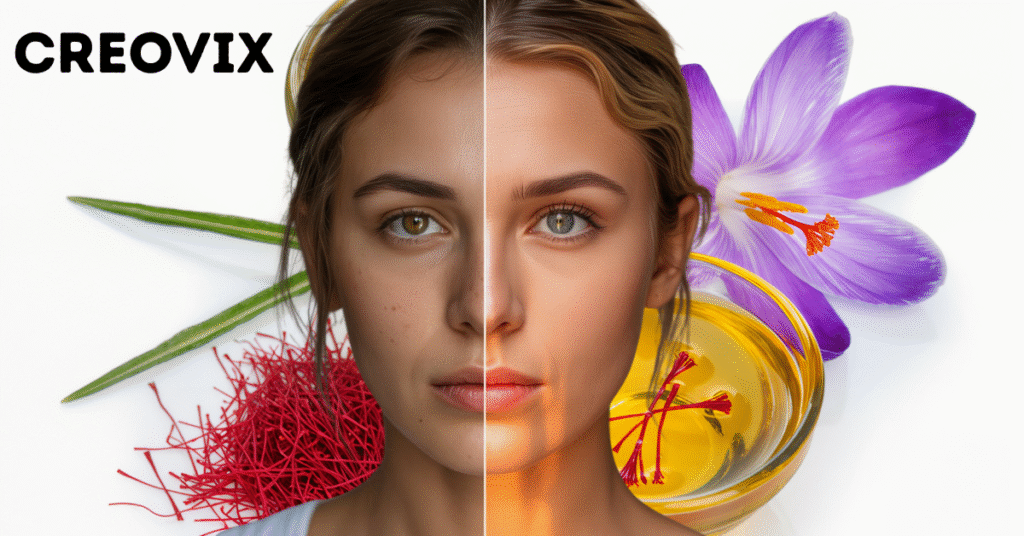
Before & After
Try It Yourself
Enhance your photos with Remini Online and see instant HD results